


Smart recipes. Happy cooking.Everyday made easier.

Kitchen Squirrel turns the recipes you already save into a week of dinners and one sensible shopping list.

Get it on Google Play

On an iPhone? There is no iOS version yet. Leave your address and we will tell you the day there is.

One email when it lands. Nothing else, ever.

The Kitchen Squirrel mascot, in a green apron, holding open a Kitchen Squirrel recipe book.
The problem

You already have the recipes. Getting them onto the table is the hard part.

“I’ve saved hundreds. I cook the same five.”

The ones you liked are scattered across Instagram saves, screenshots and open tabs. Kitchen Squirrel keeps them as actual recipes, in one place — so they are in front of you when you are deciding, not lost when you are scrolling.

“What are we having Tuesday?”

A folder of two hundred saved recipes is not a decision about Tuesday. Put four nights down in a few minutes — and the evenings you are not cooking count too.

“Half a bunch of coriander, again.”

Five recipes means five ingredient lists, in quantities that do not match the packs the shop sells. One list, in aisle order, that warns you when a recipe will leave you with most of a pack spare.

How it works

Save it, plan it, shop it — and use up what is left.

Ten seconds, start to finish: the recipe you saved, the week it turns into, the shop that follows, dinner, and what is left in the fridge afterwards.

Save recipes from wherever you find them

Share a link from Instagram, YouTube or any food blog and it comes back as a proper recipe — title, servings, ingredients with quantities, method. Not a screenshot, not a bookmark.

  • Instagram: it reads the caption, and if the caption links to a blog post it follows the link and uses that instead — the better source.
  • YouTube: it reads the description. If there is no written recipe there, it says so plainly rather than guessing.
  • Photograph a page from a cookbook, or bring a collection over from another app.
  • Nothing is saved silently. Every recipe shows you a review card first.
  • When it cannot read a page, it hands you a part-filled form rather than a dead end.

A week, not a database

Anyone in the house can put a recipe aside for later, so by the time you sit down to plan, the shortlist is already there. Drop them onto nights — four cook-nights by default.

The evenings you are not cooking matter as much as the ones you are, so they are first-class: leftovers, takeaway, eating out, something simple, fasting. One evening has one nature.

  • Not sure what to cook? Ask what you can make from what is already in, and it tells you what you are short of.
  • Mark meals cooked or skipped as the week goes.
  • Everyone's phone shows the same library, the same plan and the same list.
The mascot with a clipboard, planning the week.

One list, in aisle order

One list for the week, combined across every recipe, scaled to the servings you chose, and ordered the way your shop is actually laid out.

Then the thing no other list does.

“This week uses 30 g of a 100 g pack of coriander. Two other recipes in your library use coriander.”

At most three of these a week, ranked. Never nagging.
  • It knows recipes ask for grams and shops sell packets, and tells you when those do not line up.
  • Tick items off as you shop. Ticks survive the list being regenerated.
  • It splits cupboard staples from fresh, and remembers when you last bought something.
  • Export the list as plain text to anywhere, including a Google Keep checklist.
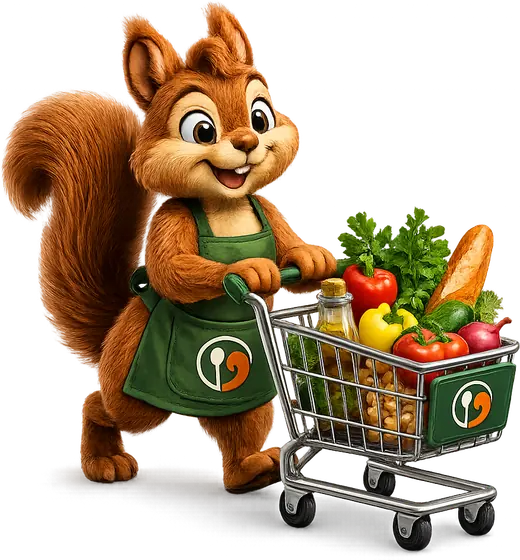
The mascot pushing a trolley full of fresh vegetables.

And what is left does not get lost

Mark a meal cooked and the leftovers go to the stash. Next week they come back as something you can plan — a real evening, not a tub you rediscover in a fortnight.

  • The stash only knows what you cooked, because you told it you cooked it.
  • Cooking from it takes the portions off the shelf, so the count stays honest.
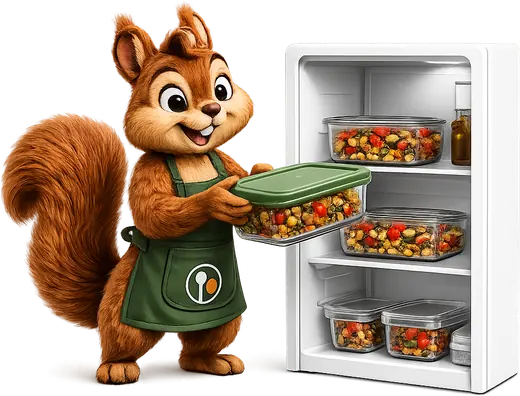
The mascot putting a tub of leftovers into the fridge.
Why it is different

Four things you will not find together anywhere else.

It respects the source

Recipes are never rehosted. Every view carries attribution and a link back to the creator who wrote it.

It knows what shops sell

The list is built against the pack sizes on the shelf, not the quantities in the recipe — so you see the waste before you buy it.

It works with no signal

Your library and this week's plan are on the phone. The supermarket dead spot does not matter. Only capture needs the network.

It is built for a household

One library, one plan, one list, on everyone's phone. Anyone can add a recipe or tick something off in the shop, and everybody else sees it.

Plainly

What Kitchen Squirrel deliberately is not.

Each of these was a decision rather than an omission.

  • Not a feed to scroll. It works with the recipes you chose, and no algorithm picks your week.
  • Not a pantry you have to log. Those only work if you record every tin, and nobody does.
  • Not a nutrition tracker. Estimated macros when you ask for them. No score, no judgement.
  • Not a supermarket middleman. Your list exports anywhere you like. That seam is deliberate.
  • Not somewhere to perform. Your household sees your notes and your plans. Nobody else does.
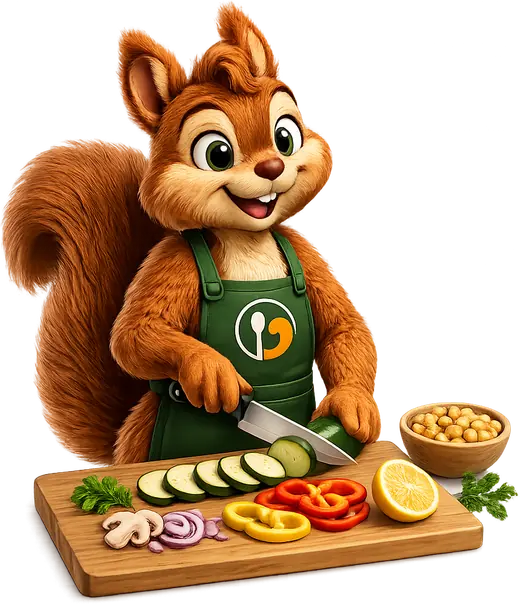
The mascot at a chopping board, cooking.

Cook what you already saved.

It is on Google Play now — free to install, on the phone in your pocket, in the kitchen tonight.

Get it on Google Play

On an iPhone? Leave your address and we will tell you when it lands.

One email when it lands. Nothing else, ever.